OVO - Components Library

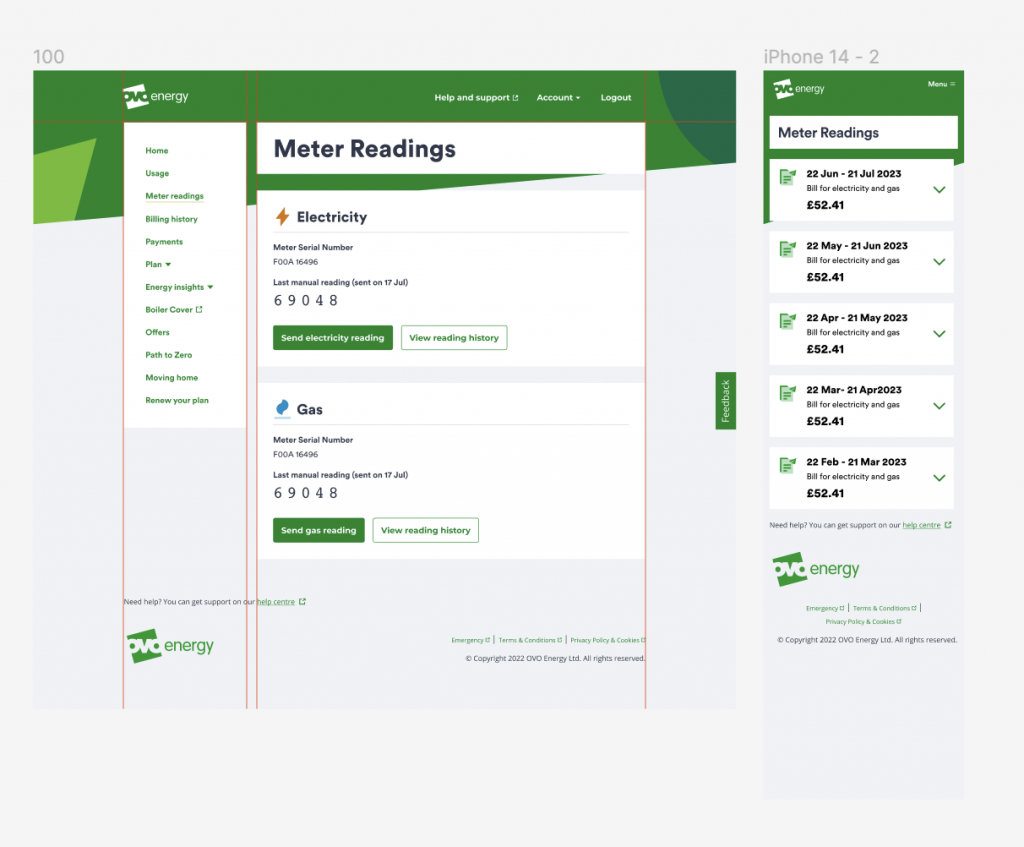
So, let me tell you about the Orion design system – it was this cool little side project I was tinkering with in my free time. It was something I opted-in to created, as I had noticed that a lot of our design teams were struggling without it.I t was the backbone for the user-facing dashboard at OVO “My OVO”, but here’s the kicker: nobody could track down the original files because they were owned by some third-party company.

The thing was, whenever we needed to tweak something on “My OVO” or create new functionality, we were supposed to just contact the company and ask for changes. But that rarely happened. Instead, we’d end up stitching together different screenshots, slapping on text and boxes, spending hours just to create a new page.

It was a real hassle. But I figured, hey, why not streamline the whole process? That’s where the components library came in. With that in place, we didn’t have to go through all that rigmarole. It was a game-changer, speeding up our design workflow big time.
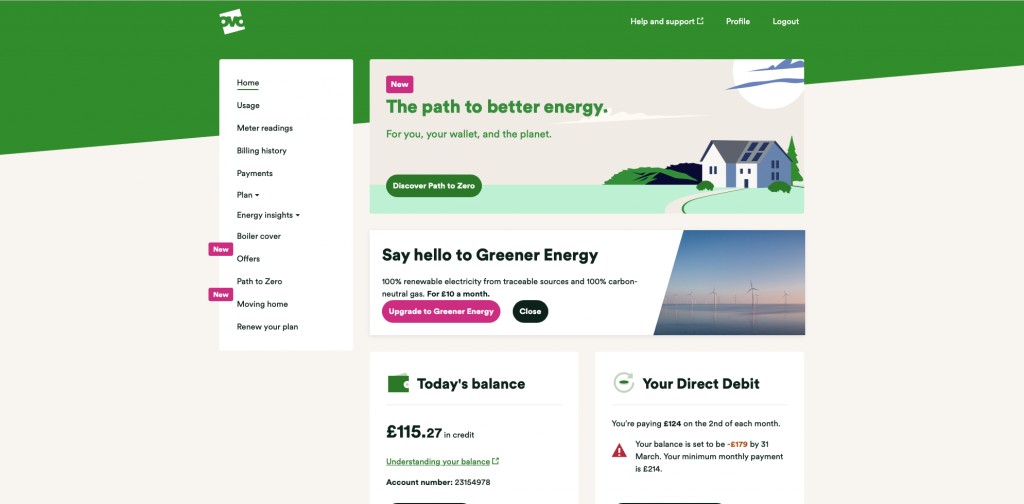
The problem

Atomic design

I applied the atomic design principles to whip up some modular and scalable components. This way, we had all our design essentials ready for whatever came our way in the future. Picture this: everything was crafted to flex seamlessly with different screen sizes, no component left compromised.

To add a cherry on top, I crafted pages and patterns that meant the design squad didn’t have to start from scratch each time they faced the usual suspects in terms of screens. It was like turbocharging our design process, making everything smoother and more efficient.

The solution

Step 1: Atoms, Molecules and Organisms

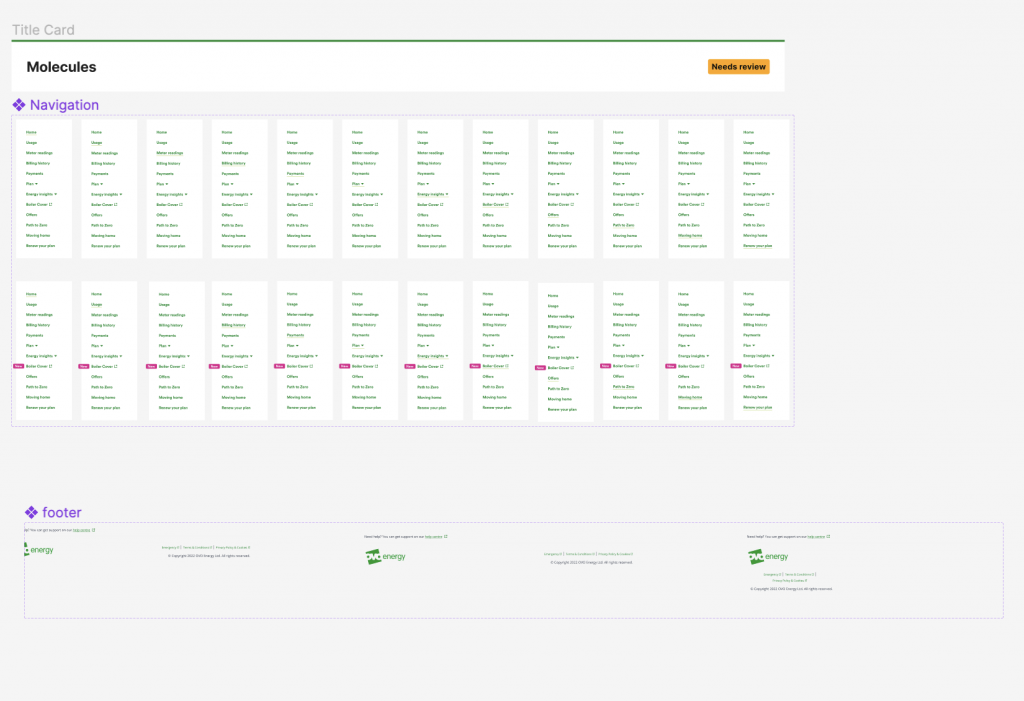
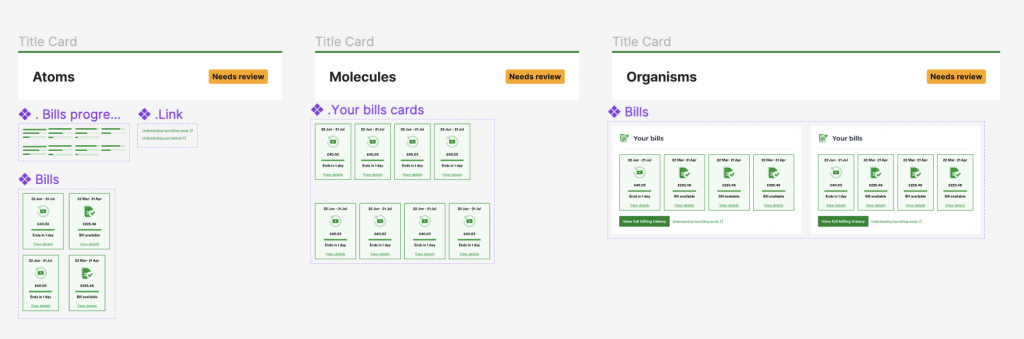
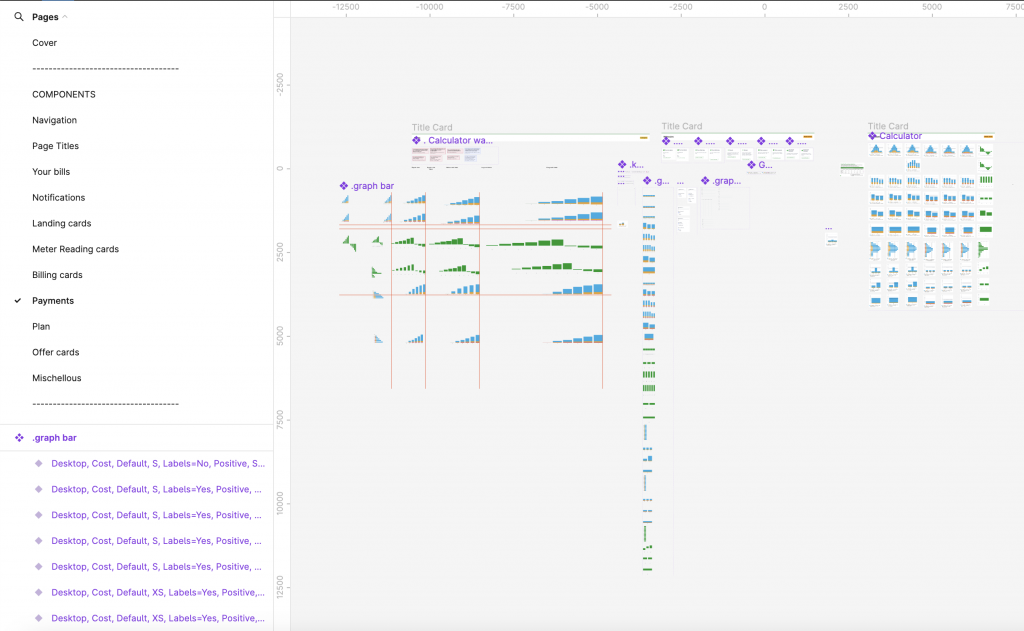
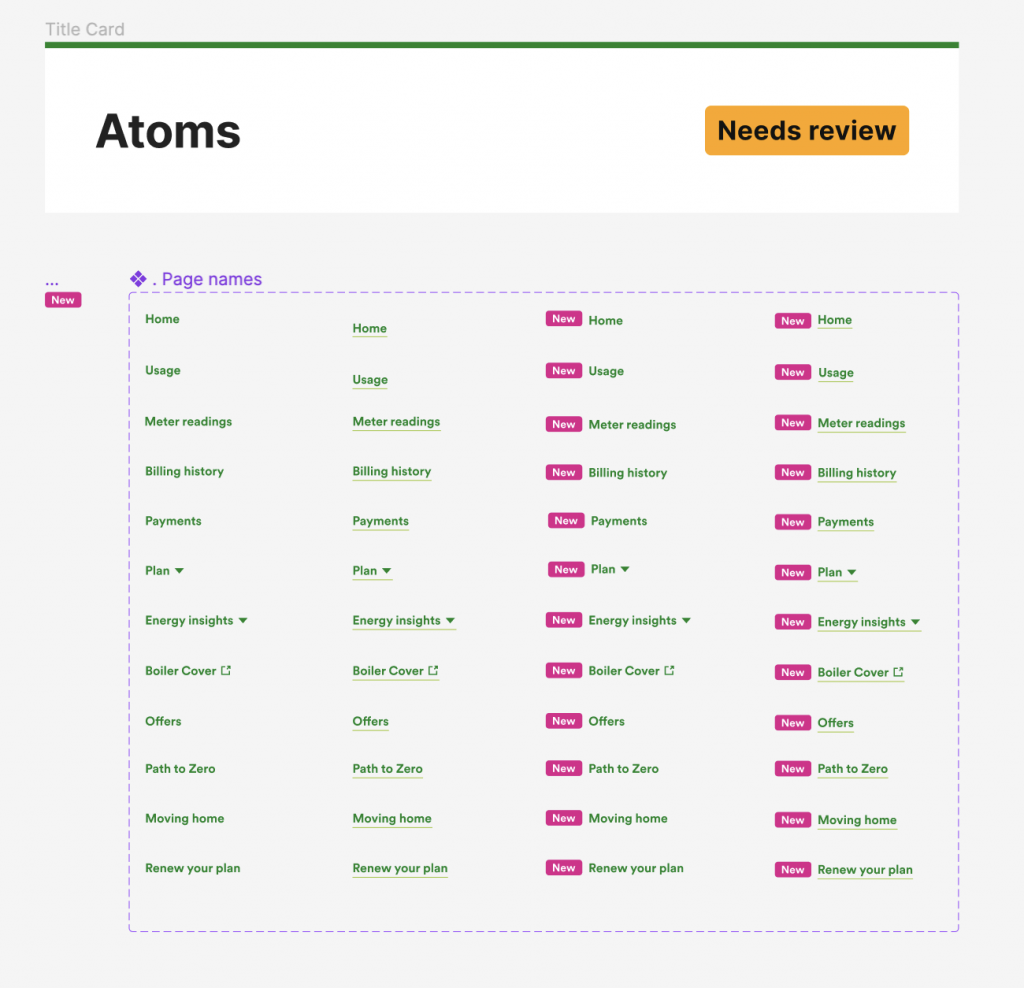
Below you will be able to see some of the examples of the components created to recreate the entire My OVO platform:

Navigation atoms

Navigation molecules

Your bills

Payments

The solution

Step 2: Pages

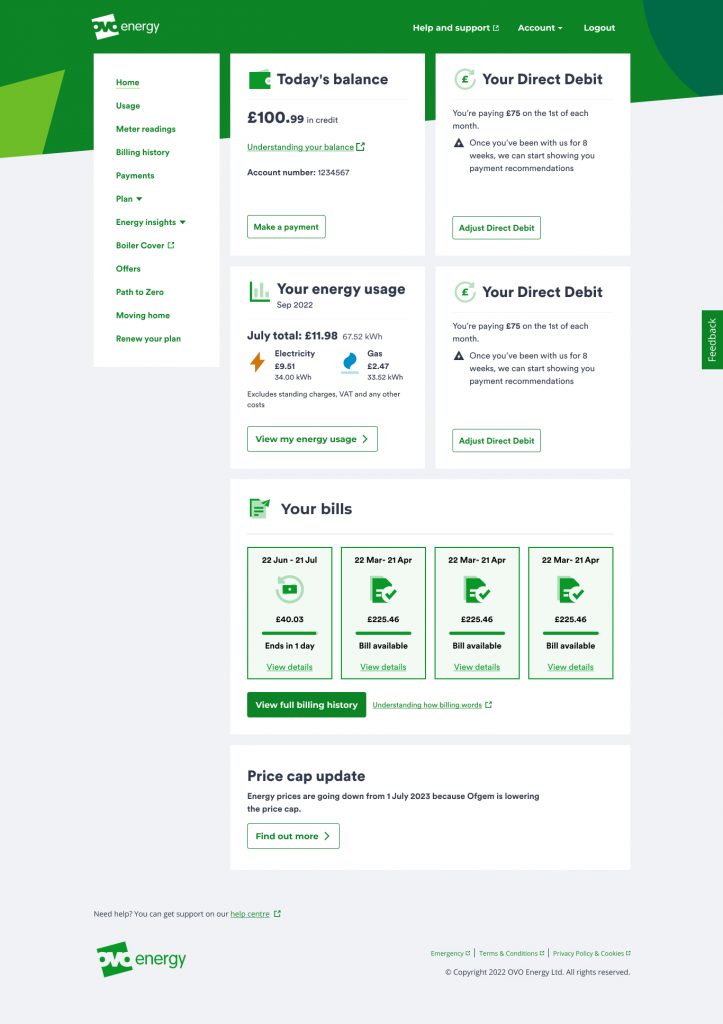
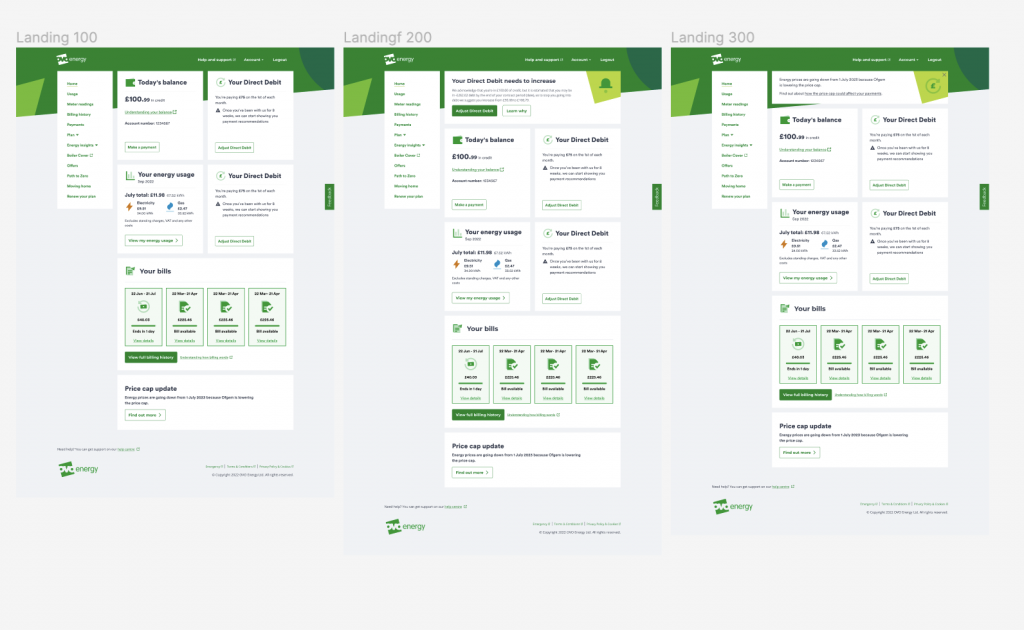
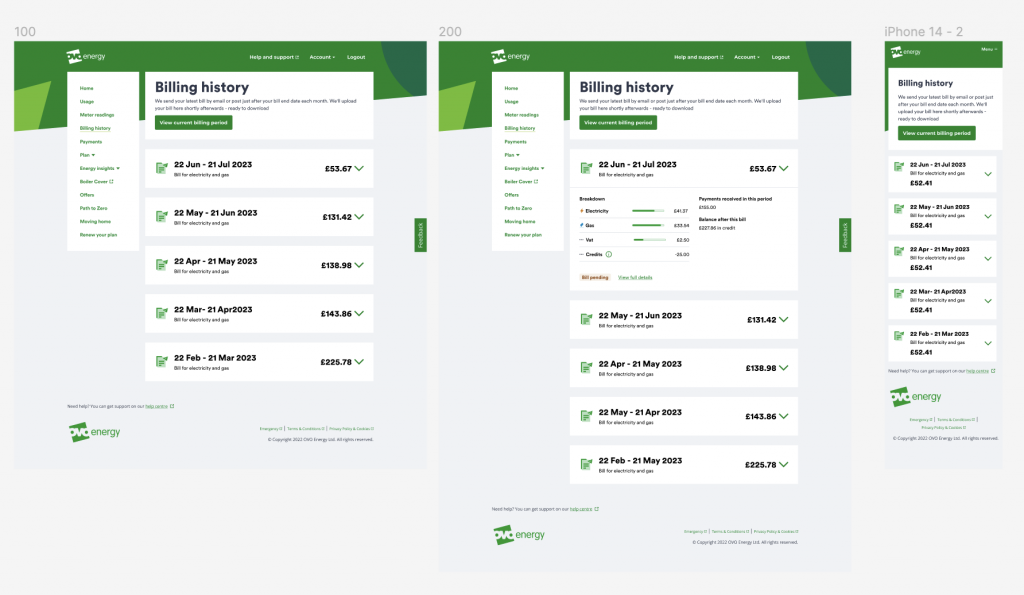
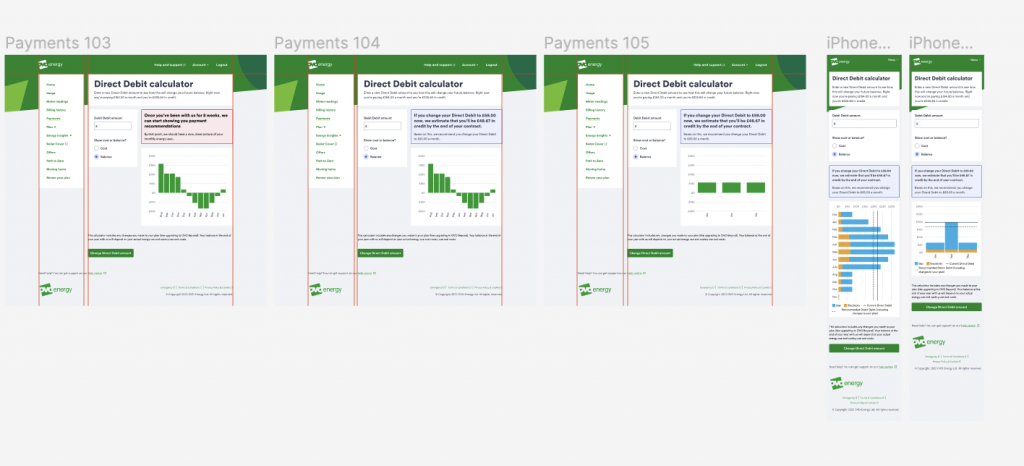
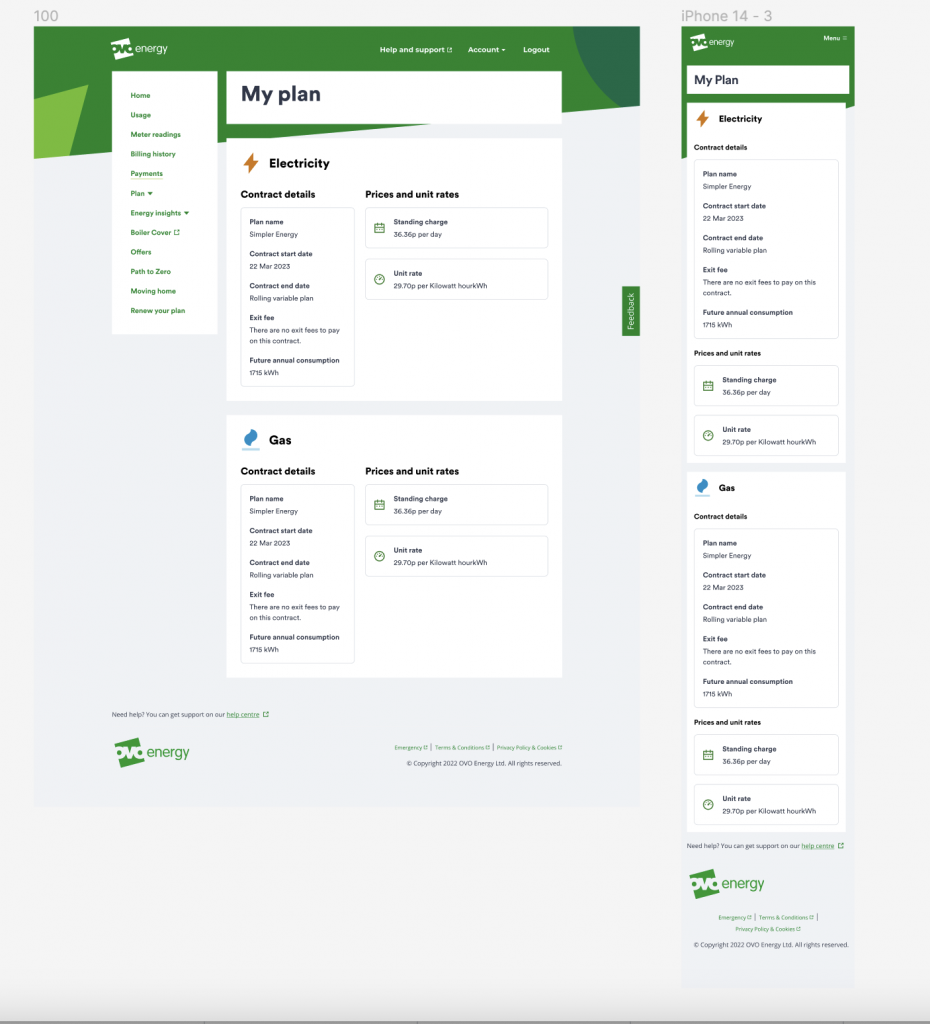
Using the above components I was able to recreate every page (and every variant of the page) in the My OVO experience. Below you can see a handful of the pages and screens created:

Landing page

Landing page variants

Billing history

Payments

My plan

Meter readings